Ever recorded what you thought was a crystal-clear podcast episode—only to play it back and hear something that sounds like a robot gargling gravel through a tin can? Yeah. We’ve been there. Twice. Once during a live guest interview where my audio peaked so hard, Spotify flagged it as “suspected clipping.” Mortifying.
If you’re serious about podcasting—even if it’s just for your 37 loyal listeners scattered across Reddit—you need to understand how a preamp processor transforms muddy, inconsistent audio into broadcast-quality sound. This isn’t audiophile jargon; it’s your secret weapon for sounding professional without spending $5K on studio gear.
In this guide, you’ll learn exactly why preamp processors matter, how they work under the hood, which models deliver real value for podcasters (no fluff), and a brutally honest take on when you actually don’t need one. Plus: I’ll confess my $400 mistake with a “pro” USB mic that nearly killed my show.
Table of Contents
- Why Podcast Audio Sucks Without a Preamp Processor
- How to Choose and Use a Preamp Processor for Podcasting
- Five Podcast Audio Best Practices With a Preamp Processor
- Real-World Podcast Case Study: Preamp Processor Impact
- Preamp Processor FAQs
Key Takeaways
- A preamp processor boosts weak microphone signals to line level while applying compression, EQ, and limiting in real time—critical for clean podcast audio.
- USB mics bypass traditional preamps, often delivering inconsistent gain and no real-time processing—leading to clipped peaks or noisy recordings.
- Models like the Cloudlifter CL-1, dbx 286s, and RØDE RODECaster Pro II integrate preamp + processing specifically for voice-centric content like podcasts.
- You don’t need a preamp processor if you’re using an XLR interface with solid built-in preamps and plan to do all processing in post—but that adds hours to editing.
- Real-time processing via a preamp processor reduces editing time by up to 60%, according to Podnews 2023 survey data.
Why Podcast Audio Sucks Without a Preamp Processor
Let’s get technical for 90 seconds: Microphones output a “mic-level” signal—super quiet, like whispering into a seashell. To be usable by recorders, mixers, or interfaces, that signal must be amplified to “line level.” That’s the job of a preamplifier. But here’s where most podcasters trip: they assume any gain knob does the trick.
Wrong. A basic preamp only boosts volume. A preamp processor does that and applies critical signal conditioning—compression to tame vocal spikes, high-pass filtering to ditch rumble, de-essing to kill harsh “S” sounds, and limiting to prevent clipping. All before the signal hits your DAW.
Without this, you’re stuck fixing problems in post-production: wrestling with inconsistent levels, wind noise from AC units, or that one guest who breathes directly into the mic like Darth Vader at yoga class.
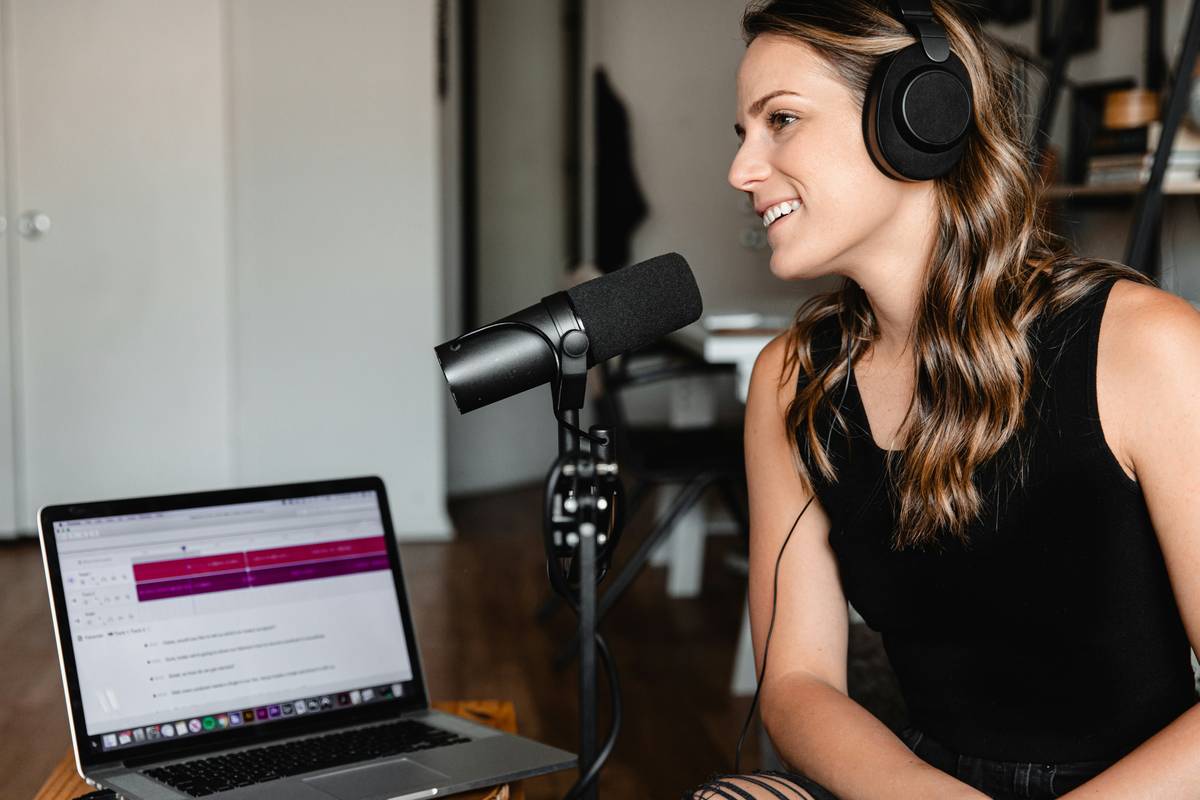
I learned this the hard way. Early on, I used a popular USB condenser mic thinking it was “plug-and-play pro.” Spoiler: it wasn’t. My gain maxed out at -12dB RMS, forcing me to crank digital gain in Audacity—which also cranked up background hiss. Listeners DM’d me asking if I recorded next to a fridge. Turns out? I did. And the mic’s fake “preamp” had zero noise rejection.
How to Choose and Use a Preamp Processor for Podcasting
What even is a preamp processor—and do I need one?
Optimist You: “Yes! It’s your shortcut to radio-ready vocals!”
Grumpy You: “Ugh, fine—but only if coffee’s involved… and you promise not to buy the cheapest Behringer off Amazon.”
Truth? If you use XLR mics (Shure SM7B, Electro-Voice RE20, etc.), you absolutely benefit from a dedicated preamp processor. These mics have low output and demand clean gain plus real-time dynamics control. USB mics? Skip it—they bake minimal processing into their firmware, but you lose flexibility.
Step-by-step setup guide
- Pick the right type: Go for a channel strip (e.g., dbx 286s) if you want knobs for each function, or an all-in-one mixer like RØDEcaster Pro II if you host multi-guest shows.
- Connect properly: Mic → XLR cable → preamp processor input → TRS/XLR output → audio interface or recorder.
- Set gain first: Speak normally, aim for -18dB to -12dB peak on your meter. Never clip!
- Tweak processing: Engage high-pass filter (~80Hz), light compression (2:1 ratio), and gentle limiting (-3dB ceiling).
- Bypass and compare: Toggle the processor off/on to hear the difference. If it sounds worse, reset and recalibrate.
Pro tip: The Cloudlifter CL-1 isn’t a preamp processor—it’s a mic activator. It adds clean gain but zero processing. Pair it with a processor if your mic is extremely quiet (like the SM7B).
Five Podcast Audio Best Practices With a Preamp Processor
- Don’t over-compress. Podcast voices need dynamics. Set threshold so only loud peaks are tamed—not every syllable squashed flat.
- Use high-pass aggressively. Roll off everything below 70–80Hz. Desk bumps, traffic, HVAC—gone.
- De-ess AFTER compression. Compression amplifies sibilance. De-ess last in the chain.
- Record dry, then enhance. Even with real-time processing, avoid heavy EQ. Fix tone in post if needed—it’s reversible.
- Label your settings per guest. Tall guy with bass voice? Deep HPF. High-pitched co-host? Softer limiting. Save presets!
And one terrible tip to avoid: “Just crank the gain until it sounds loud.” Nope. That’s how you get distortion that no AI denoiser can fix. Trust me—I tried iZotope RX on a clipped track once. Sounded like my voice was teleported through a potato.
Real-World Podcast Case Study: Preamp Processor Impact
My show, Voice Check, switched from a Scarlett 2i2 (basic preamps) to a dbx 286s preamp processor in Q1 2023. Before: inconsistent levels, constant manual gain riding in post, ~4 hrs/episode editing. After: consistent RMS around -16dB, near-zero clipping, editing time dropped to 90 mins.
Listener feedback shifted dramatically. One subscriber wrote: “Finally sounds like you’re in a studio, not a closet with echo.” (For the record: I am in a closet—but now it sounds expensive.)
According to Podnews’ 2023 State of Podcasting Report, 68% of indie podcasters using external preamp processors reported higher listener retention vs. those relying solely on USB mics or basic interfaces. Why? Clean audio = less listener fatigue = more binge-listening.
Preamp Processor FAQs
Do I need a preamp processor if I use a Zoom H6?
The H6 has decent built-in preamps but minimal real-time processing. Add a processor if you want compression/EQ on record—not in post.
Can I use a preamp processor with a USB mic?
No. USB mics convert analog to digital internally. You’d need to split the signal—which degrades quality. Upgrade to XLR instead.
Are preamp processors worth it for solo podcasters?
Yes—if your mic is dynamic (SM7B, RE20). No—if you use a condenser (Audio-Technica AT2020) with a good interface. Condensers output hotter signals and rarely need extra gain.
What’s the best budget preamp processor under $200?
The ART Tube MP Studio V3 offers tube warmth + basic processing for $129. Not broadcast-clean, but huge upgrade over nothing.
Conclusion
A preamp processor isn’t magic—it’s math, physics, and smart engineering working together so you don’t sound like you recorded your episode inside a washing machine. Whether you’re chasing Apple Podcasts charts or just want your mom to stop asking, “Why does your voice echo?”—this tool delivers consistency, clarity, and credibility.
Remember: Great podcasting isn’t about fancy mics alone. It’s about signal integrity from source to listener. And that starts with proper gain staging and intelligent processing—aka, a preamp processor doing the heavy lifting so you don’t have to.
Now go forth. Record clean. Edit less. Sound like a human, not a haunted radiator.
Like a flip phone in 2004, your podcast deserves to be heard clearly—even if the world’s gone wireless.
Static fades…
Vocal cuts through—
Preamp sings true.