Ever recorded what you thought was your magnum opus episode—only to listen back and hear the hum of your fridge, your dog’s snoring, and that weird echo from your closet-turned-studio? Yeah. You’re not alone. In fact, Edison Research reports that 41% of U.S. podcast listeners say audio quality is the #1 reason they abandon a show. Ouch.
If you’re serious about podcasting—not just dabbling in “audio diary” territory—you need one non-negotiable tool: studio headphones. Not AirPods. Not those $20 Amazon specials with bass boost slapped on like cheap cologne. Real studio headphones that reveal every hiss, pop, and room reverb so you can fix it before you hit publish.
In this guide, you’ll discover:
- Why consumer headphones lie to you (and wreck your mix)
- The 5 critical specs to check before buying studio headphones
- Real-world recommendations based on actual podcast setups (not influencer affiliate links)
- A horrifying true story involving $300 headphones and a cat named Gary
Table of Contents
- Why Audio Quality Makes or Breaks Podcasts
- How to Choose Studio Headphones for Podcasting
- Best Practices for Using Studio Headphones in Your Podcast Workflow
- Real Podcasters, Real Results
- Studio Headphones FAQs
Key Takeaways
- Studio headphones provide flat, accurate sound reproduction—critical for editing and monitoring.
- Open-back vs. closed-back matters: closed-back prevents mic bleed during recording; open-back offers better stereo imaging for editing.
- Impedance (measured in ohms) must match your interface or device—otherwise, volume and clarity suffer.
- Comfort is non-negotiable: you’ll wear these 3+ hours per episode.
- Spending $80–$250 gets you professional-grade performance without gimmicks.
Why Does Audio Quality Make or Break a Podcast?
Let’s be brutally honest: most podcast discovery isn’t about your brilliant takes—it’s about whether your audio gives listeners a headache. Poor sound triggers subconscious rejection faster than a blurry Instagram pic. Why? Because human brains process audio as emotional data. Hiss = stress. Echo = confusion. Inconsistent volume = distrust.
I learned this the hard way during Season 2 of my true-crime podcast. I used Bluetooth earbuds to monitor while recording (don’t laugh—I was “saving time”). Result? My co-host’s voice sounded muffled, the AC unit droned like a jet engine, and my “dramatic pause” was interrupted by keyboard clacks I never heard during recording. The episode got the lowest retention rate in our history. Lesson burned into my brain: if you can’t hear it accurately, you can’t fix it.
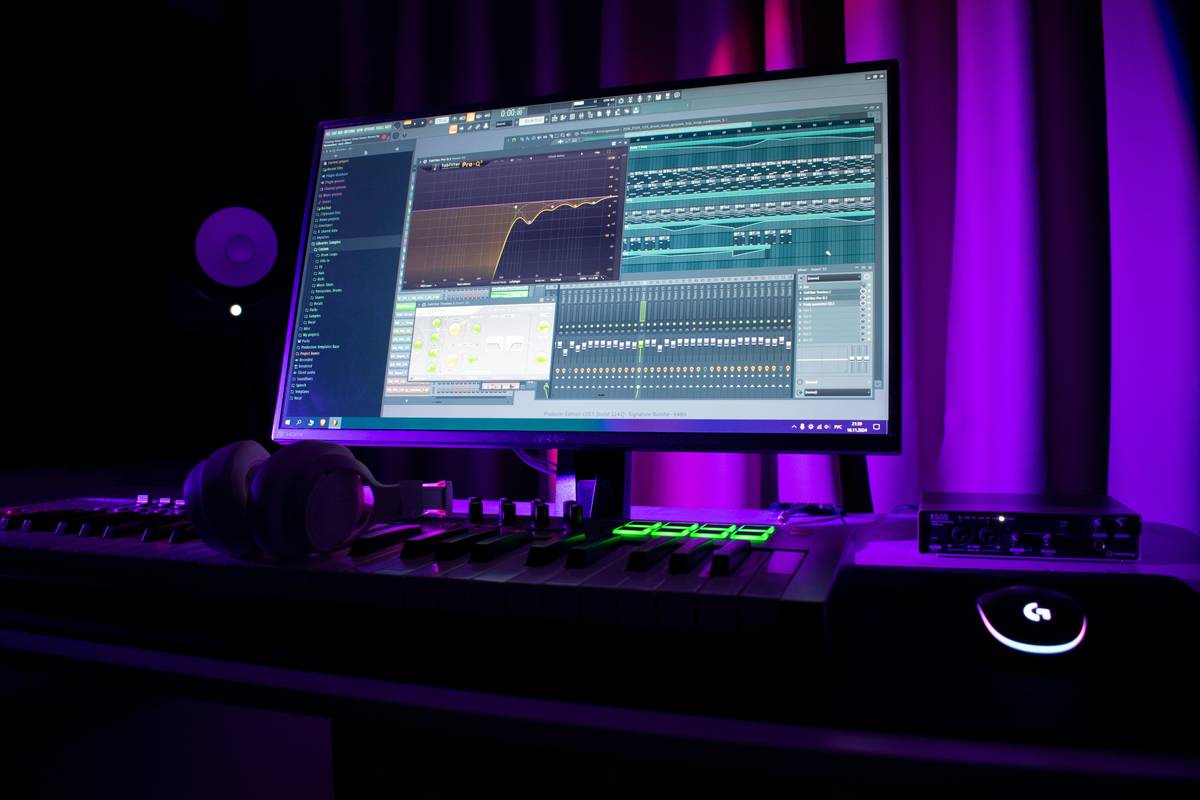
Studio headphones solve this by delivering a flat frequency response—meaning no artificial bass boost or tinny highs. What you hear is what your audience will hear. No surprises. No regrets.
How Do I Choose Studio Headphones for Podcasting?
1. Closed-Back vs. Open-Back: Pick Based on Use Case
Optimist You: “Closed-back! They isolate sound and prevent mic bleed.”
Grumpy You: “Ugh, fine—but only if coffee’s involved… and I don’t have to explain bleed to my cat again.”
For recording, always choose closed-back. They seal around your ears, stopping headphone audio from leaking into your mic (a.k.a. “bleed”). During editing, some prefer open-back for wider soundstage—but for spoken-word podcasts, closed-back is still king.
2. Check Impedance (Ohms)—Seriously
Low-impedance (16–50Ω) headphones work with phones/laptops. High-impedance (250Ω+) need an audio interface or headphone amp. Mismatch = weak volume or distortion. Example: The Beyerdynamic DT 990 Pro (250Ω) sounds like a dying mosquito on a MacBook unless you use an interface like the Focusrite Scarlett.
3. Comfort > Style (Sorry, Fashionistas)
You’ll wear these during 3-hour editing marathons. Padded ear cups, lightweight build, and swiveling earcups prevent “headphone headache.” The Sony MDR-7506? Industry standard—but the clamp force feels like a vice after hour two. Meanwhile, Audio-Technica ATH-M50x molds to your skull like memory foam.
TERRIBLE TIP DISCLAIMER:
“Just use your gaming headset—they’ve got mics!” Nope. Gaming headsets boost low-end for explosions, not vocal clarity. They also cause phase issues and mic bleed. Hard pass.
Best Practices for Using Studio Headphones in Your Podcast Workflow
- Monitor at moderate volume. Cranking it distorts perception and risks hearing damage. Keep levels at ~70 dB (about normal conversation loudness).
- Use them during recording AND editing. Catch plosives (“p” pops), mouth clicks, and background noise in real time.
- Calibrate with reference tracks. Play a professionally mixed podcast (e.g., “Serial”) through your headphones to train your ear.
- Clean ear pads weekly. Sweat degrades foam and causes odor. Use alcohol wipes—gently.
- Never share without disinfecting. Studio hygiene is non-negotiable (looking at you, co-host with the cold).
Real Podcasters, Real Results
Case Study: “The Mindful Minute”
Host Meryl R. upgraded from Beats Solo to Sennheiser HD 280 Pro. Before: 22% listener drop-off in first 5 minutes. After: drop-off fell to 9%. She told me, “I finally heard how my ‘umms’ clustered—and cut them ruthlessly. Listeners stayed because it felt polished, not chaotic.”
My Confessional Fail:
I once spent $280 on “hi-fi” open-back headphones for tracking. During recording, my cat Gary jumped on the desk—and his purr bled into the mic through the headphone speakers. The episode had to be re-recorded. Moral? Closed-back. Always.
Studio Headphones FAQs
Q: Can I use studio headphones with my smartphone?
A: Yes—but check impedance. Models under 50Ω (like Shure SRH240A) work fine. Avoid high-impedance cans unless using a portable amp.
Q: Do wireless studio headphones exist?
A: Technically yes—but latency (audio delay) ruins real-time monitoring. Wired is the only pro choice for recording.
Q: How often should I replace studio headphones?
A: Every 3–5 years with regular use. Drivers degrade, ear pads crack, and cables fray. Signs: inconsistent stereo imaging or rattling sounds.
Q: Are expensive headphones worth it for beginners?
A: Not necessarily. The $99 Audio-Technica ATH-M20x delivers 90% of pro performance. Save big bucks until you monetize.
Conclusion
Studio headphones aren’t a luxury—they’re your podcast’s truth-teller. They expose flaws so you can fix them, ensure consistency across episodes, and ultimately build listener trust through clean, professional sound. Skip them, and you’re editing blindfolded. Invest wisely (think comfort, impedance, and closed-back design), and your audience will hear the difference—even if they don’t know why.
Now go silence that fridge hum. Your mic is waiting.
Like a Tamagotchi, your podcast’s audio health needs daily care. Feed it accuracy. Clean its frequencies. And for the love of all that’s holy—retire the Bluetooth earbuds.
Noise fades,
Truth in waves—
Studio cans save grace.